Free Word Games for Kids
A small collection of kid-friendly word games that play instantly in the browser — no downloads, no installs, no accounts. Kids sort real words into categories, complete missing-letter constellations, and type words to light lanterns. The games are short, visual, and easy to start, which makes them a simple fit for reading practice at home, classroom warm-ups, or a homeschool word-work session.
Skill-focused
Best for parents, teachers, tutors, and homeschool families looking for low-friction word, spelling, and typing practice for kids.
Easy to start
No app store visit or install flow required. Choose a game and play in the browser.
Parent and teacher notes
Each pick works well as short practice, warm-up time, or a simple learning break.
Recommended Games
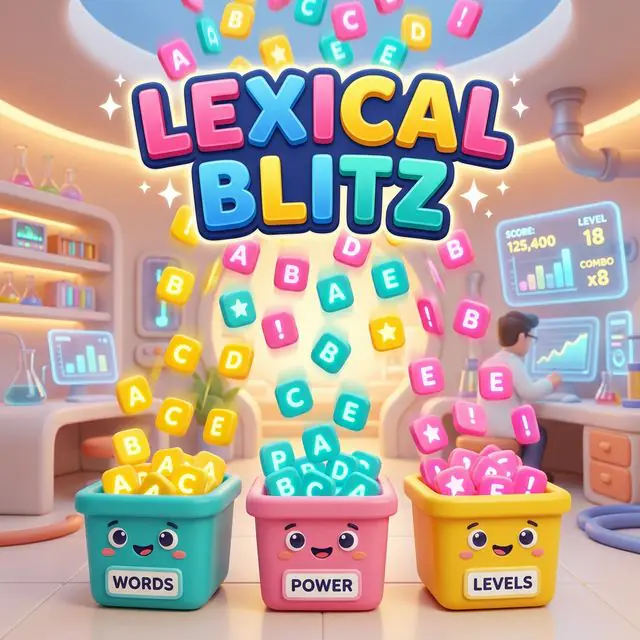
LEXICAL BLITZ
Sort twenty-four friendly words into animal, food, action, and place categories in a bright magical library.
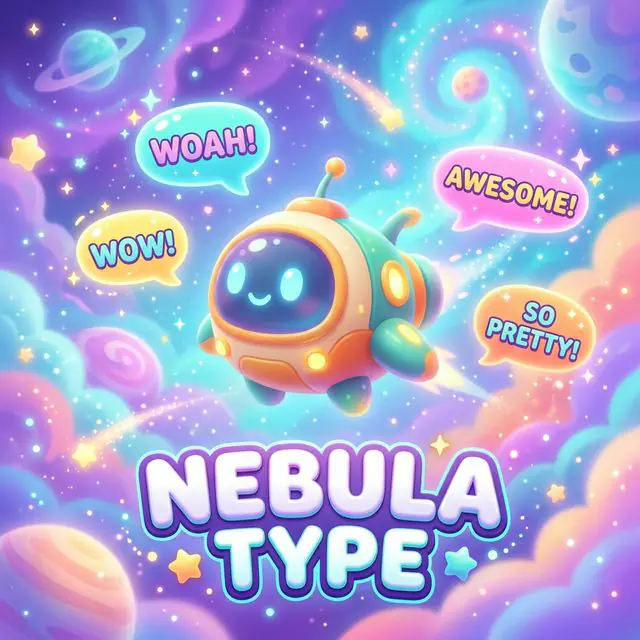
NEBULA-TYPE
Complete fifteen missing-letter constellations with friendly clues and four large letter-star choices.
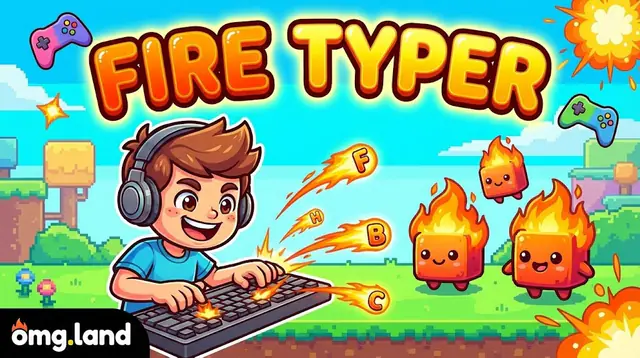
FIRE TYPER
Type twelve cheerful words to help friendly flame sprites light a magical sunset lantern camp. Read each lantern word, type its letters in order, and use the next-letter hint after a gentle mistake. A typing game for kids — free in the browser, no download, no account.
Questions Parents Ask
Do these word games need a download or app?
No. All three games run directly in a web browser on a laptop, tablet, or classroom computer. There is nothing to install and no player account to create.
Are these word games safe for children?
Yes. The games have no downloads, no player accounts, and no open chat. Kids choose a game and play — that is the whole flow. Parents and teachers stay in charge of device time and supervision.
Which game should my child start with?
Lexical Blitz (sorting words into animal, food, action, and place categories) and Nebula-Type (completing missing letters with big on-screen choices) both work well for early readers, on touchscreens or with a mouse. Fire Typer is the one that needs a real keyboard, so save it for kids who are already comfortable typing.
Can teachers use these word games in class?
Yes. Because the games are browser-based with no logins, they work on shared classroom devices. Short sessions fit warm-up time, literacy centers, or a quick transition activity between lessons.
How much screen time is right for word games?
Keep sessions short — one or two games at a time works well. For spelling and vocabulary, short play pairs best with reading, writing, or talking through the words together afterward.
Will these word games improve my child’s spelling?
They can help kids practice and reinforce letter patterns, word categories, and typing through repetition, but they do not replace reading instruction or classroom teaching. Pair play with books, spelling lists, or simple writing to build on the practice.