
ZEN SPARKLE
Paint a peaceful moonlit pet garden with drifting stars, fireflies, and bubbles. Choose a glow color, drag trails through the sky, and discover gentle light milestones.
Turn one round into a learning session
Provides a calming sensory experience
Choose one idea, mood, or user need that will guide your visual, musical, or design choices.
Make one purposeful choice, test how it looks or works, and revise one part instead of restarting everything.
- What do you want someone to notice first?
- Which revision made the idea clearer, more useful, or more expressive?
Cozy Game Design Planner
Use Cozy Game Design Planner to show the same skill away from the screen with drawing, labels, examples, or written reasoning.
Offer two possible starting choices and ask the learner to explain one purposeful decision.
Create an alternate version for a different user, constraint, mood, or available set of materials.
How to play
- 1Choose stars, fireflies, or bubbles
- 2Pick one of four gentle glow colors
- 3Tap for a burst or drag to paint a trail
- 4Create 60 lights to complete the moonlit garden
Questions about ZEN SPARKLE
Is ZEN SPARKLE free to play?
Yes. ZEN SPARKLE can be played for free in a web browser without installing an app.
What skills does ZEN SPARKLE practice?
Provides a calming sensory experience
Can kids play ZEN SPARKLE on a tablet?
Yes. On mobile or tablet, kids can use: Tap or trace with a finger to fill the sky with calm light..
Try another game
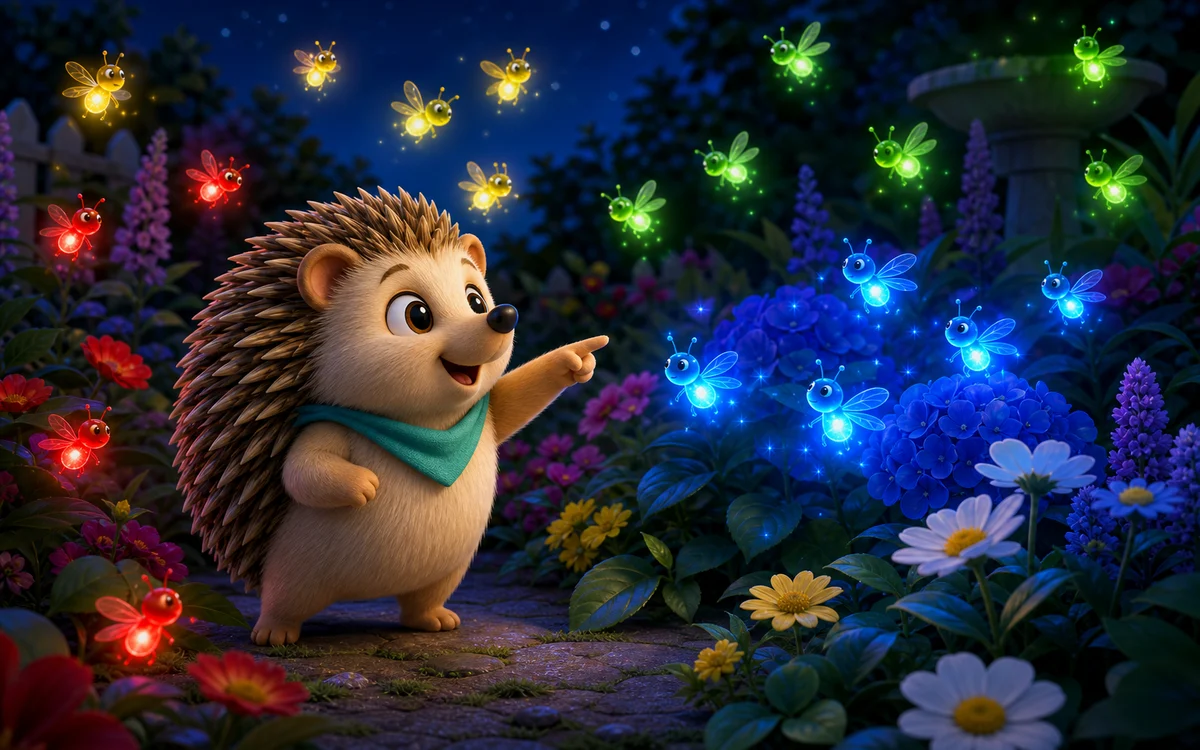
HEDGEHOG FIREFLY FIND
Search a glowing twilight garden for the requested firefly color. Find fifteen tiny lights and help Hedgehog make every flower sparkle.
View game
BUBBLE POP
Pop colorful bubbles as they float up! A calming, relaxing browser game for kids. No download needed - play instantly!
View game
RAINBOW PAINTER
Create in a bright puppy-and-kitten art studio with eight colors, three brush sizes, undo, fresh drawing ideas, and artwork that saves automatically.
View game