Turn one round into a learning session
Introduces friction as a surface effect players can feel
Predict what might happen, then identify the number, measurement, or cause-and-effect clue you will watch.
Pause after a result and compare it with the prediction. Notice what changed and what stayed the same.
- What evidence supported or changed your prediction?
- How could you show the same idea with objects, a diagram, or numbers?
Junior Scientist: Field Exploration Log
Use Junior Scientist: Field Exploration Log to show the same skill away from the screen with drawing, labels, examples, or written reasoning.
Use a smaller quantity, a drawing, counters, or a two-column comparison before returning to the full challenge.
Change one variable, predict the result, and explain why a fair comparison keeps other conditions the same.
How to play
- 1Tap each surface pad to choose ICE, FLOW, or GRIP
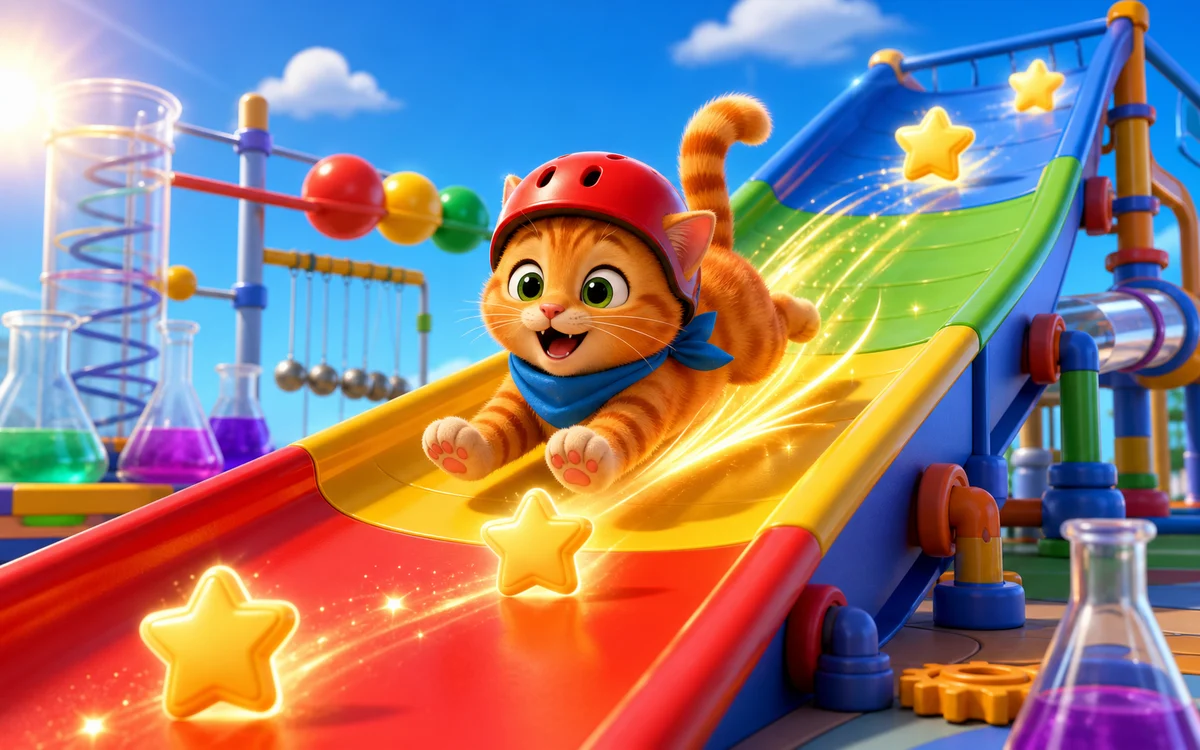
- 2Launch the kitten and collect stars along the slide
- 3Use ICE to speed up and GRIP to slow down
- 4Try to finish between 180 and 260 speed for the best bonus
Questions about KITTY SLIDE LAB
Is KITTY SLIDE LAB free to play?
Yes. KITTY SLIDE LAB can be played for free in a web browser without installing an app.
What skills does KITTY SLIDE LAB practice?
Introduces friction as a surface effect players can feel
Can kids play KITTY SLIDE LAB on a tablet?
Yes. On mobile or tablet, kids can use: Tap surface pads to switch ICE, FLOW, and GRIP. Tap Launch or Reset..
Try another game
PENGUIN ICE MATH
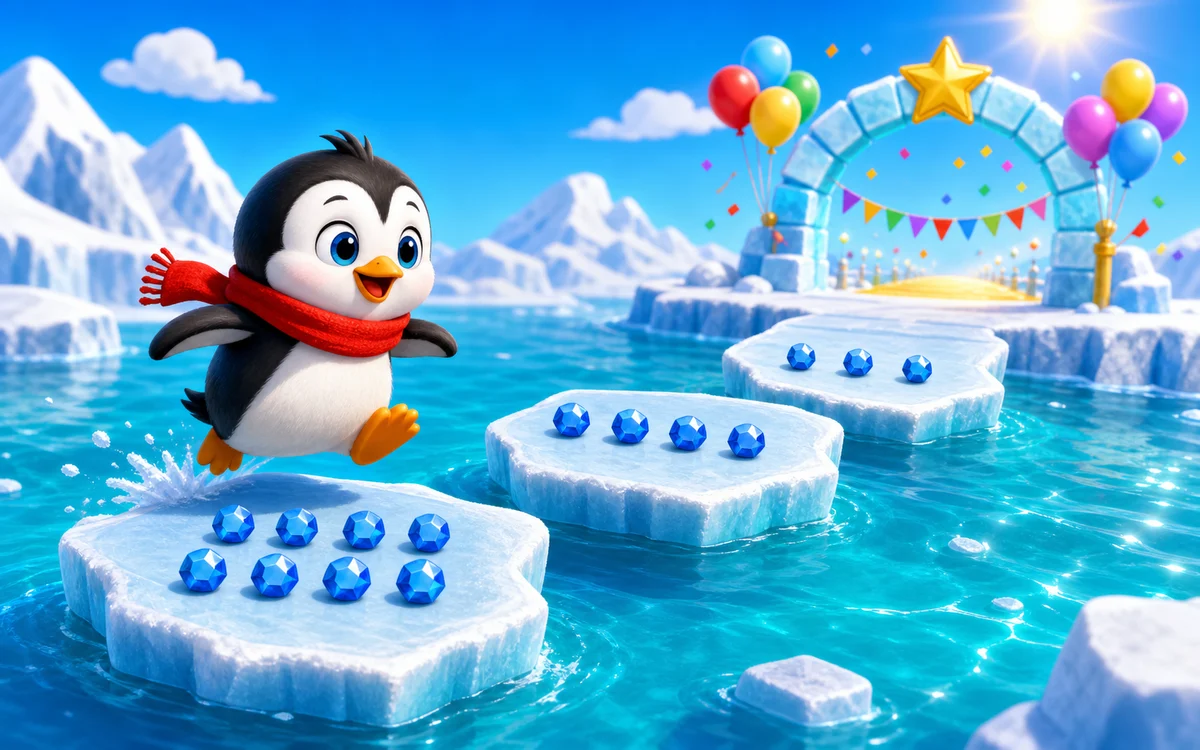
Solve a friendly addition or subtraction puzzle and choose the correct ice floe. Ten right answers carry Penguin to the polar celebration.
View game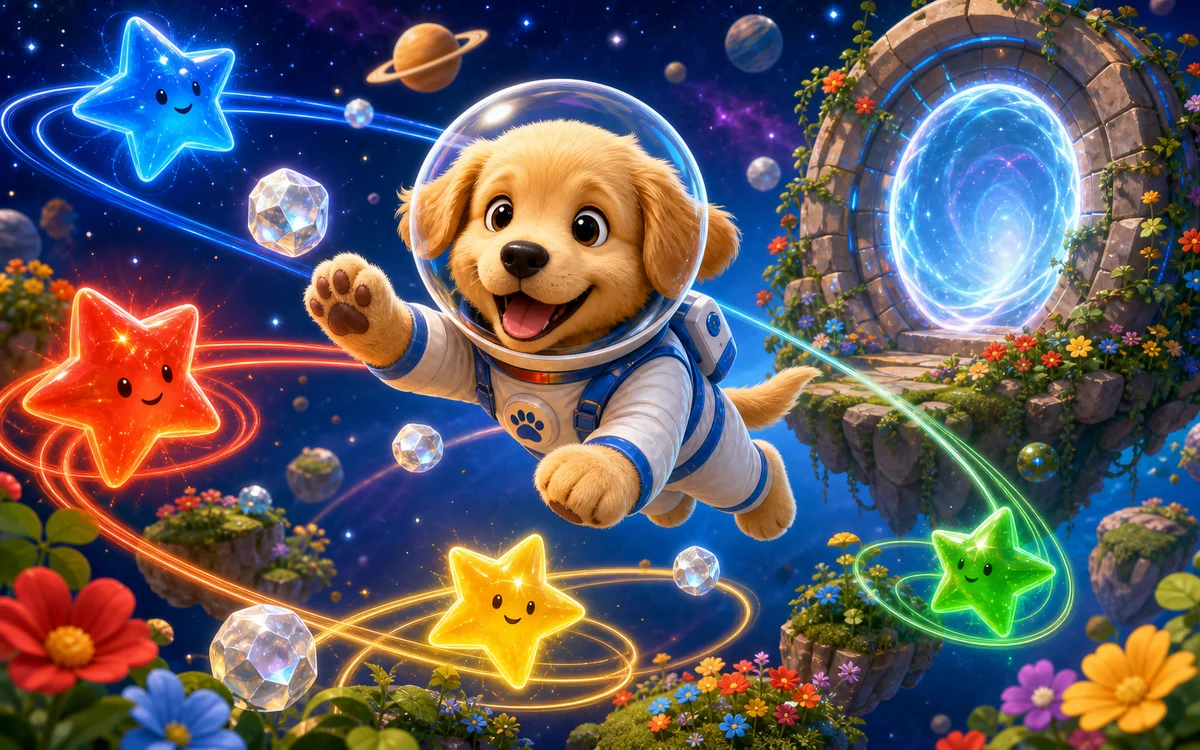
PUPPY GRAVITY GARDEN
Guide the puppy astronaut through a soft space garden. Place gravity stars, collect moon gems, and curve safely into the glowing portal.
View game
AI LOGIC SEQUENCER
Program a friendly garden rover through six route puzzles using forward, left, and right commands.
View gameStrategy and learning guide
Kitty Slide Lab: A Friction and Motion Guide
The learning idea
Kitty Slide Lab is a playful model of how a surface can change motion. The three surface settings create clearly different game behaviours:
- ICE preserves more speed.
- FLOW provides a middle-speed route.
- GRIP removes speed more quickly.
The game is intentionally simplified. Its speed number and surface settings are not laboratory measurements or real coefficients of friction.
How to play thoughtfully
- Inspect the track before launching.
- Choose ICE, FLOW, or GRIP for each surface pad.
- Predict where the kitten will speed up or slow down.
- Launch and watch the speed display as the kitten collects stars.
- Try to finish inside the target speed zone.
- Change one pad and compare the next run.
Fastest is not always best. A successful plan balances enough speed to move through the course with enough grip to arrive in the finish zone.
Predict, test, explain
Before a run, complete this sentence: I think this plan will make the kitten ___ because ___. After the run, name one observation that supports or changes the prediction.
For a fair comparison, change one surface pad while keeping the others the same. Record the finish speed and whether the kitten landed below, inside, or above the target zone.
| Run | Changed pad | Prediction | Finish result | Next adjustment | | --- | --- | --- | --- | --- | | 1 | None | Establish a starting plan | Record what happened | Choose one pad | | 2 | One pad | Predict faster or slower | Compare with Run 1 | Explain the difference |
Try it away from the screen
With adult supervision, slide the same safe object across two ordinary surfaces, such as a smooth tabletop and a folded towel. Start from the same place and compare how far it travels. The real test will not match the game exactly; the useful question is whether both experiences show that surfaces can change motion.
Use the science exploration log to capture the prediction, controlled condition, observation, and next question. A game score is practice feedback, not proof of science mastery.