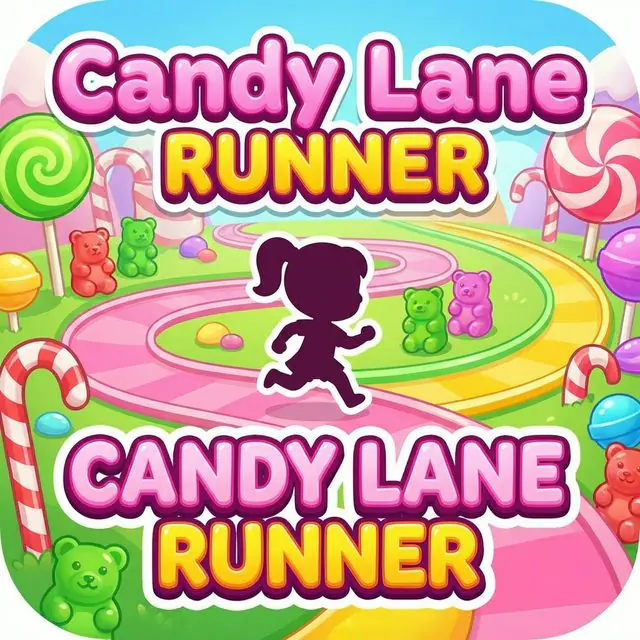
Turn one round into a learning session
Develops quick reflexes and reaction time
Choose accuracy before speed. Practise one control and name the moment when you intend to act.
Look slightly ahead, use small controlled inputs, and compare accuracy across two short attempts.
- What helped you act at the right moment?
- How did slowing down or looking ahead affect accuracy?
Runner Reflex Arrow Code
Use Runner Reflex Arrow Code to show the same skill away from the screen with drawing, labels, examples, or written reasoning.
Practise one direction or control at a comfortable pace before combining inputs or increasing speed.
Diagram a successful input sequence and identify one small correction that could improve consistency.
How to play
- 1Run through candy lanes automatically
- 2Swipe left or right to change lanes
- 3Jump over gummy blocks
- 4Slide under candy canes
- 5Collect candies for points!
Questions about CANDY LANE RUNNER
Is CANDY LANE RUNNER free to play?
Yes. CANDY LANE RUNNER can be played for free in a web browser without installing an app.
What skills does CANDY LANE RUNNER practice?
Develops quick reflexes and reaction time
Can kids play CANDY LANE RUNNER on a tablet?
Yes. On mobile or tablet, kids can use: Swipe left/right to change lanes, up to jump, down to slide.
Try another game

ROCKET RHYTHM
Fly a tiny rocket through a four-lane music galaxy. Tap stars on the launch line, build a combo, and turn every beat into a colorful firework.
View game
BUBBLE BUDDY RESCUE
Spot the requested color and pop the matching bubbles before the smiling buddies float away. Quick rounds, lively reactions, and a gentle color-switching challenge.
View game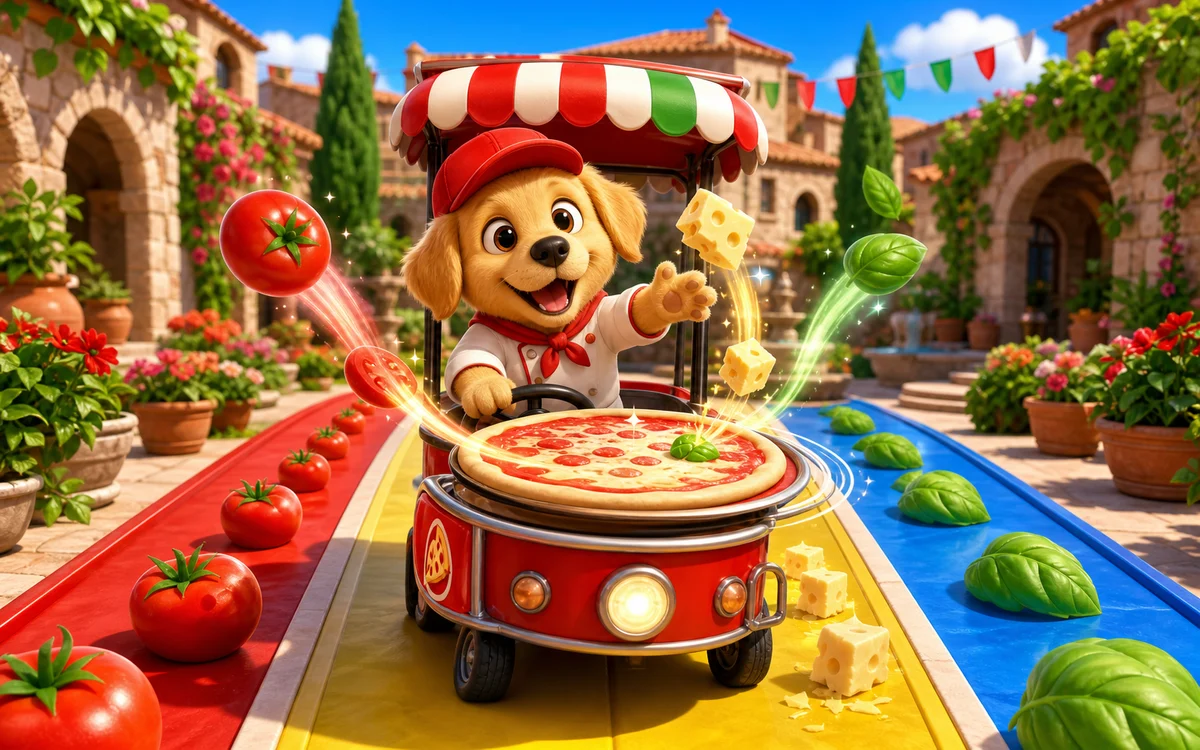
PUPPY PIZZA PARADE
Steer Puppy’s pizza cart across three colorful lanes. Catch tomato, basil, and cheese in the order shown to finish as many picnic pizzas as you can.
View game